A SMALL, LOCAL WORKFLOW
Three screens.
One moving image.
Choose up to three PNG screenshots. A fixed local program makes a simple GIF and keeps the original files.
Windows + existing Python 3.12 or later, tkinter and Pillow are required. This is a source ZIP, not a ready-to-install app. The desktop interface is in Korean.
No MP4 · One fixed transition · No online image processing
EXPERIMENTAL · NO PYTHON INSTALLATION
Try it directly in your browser
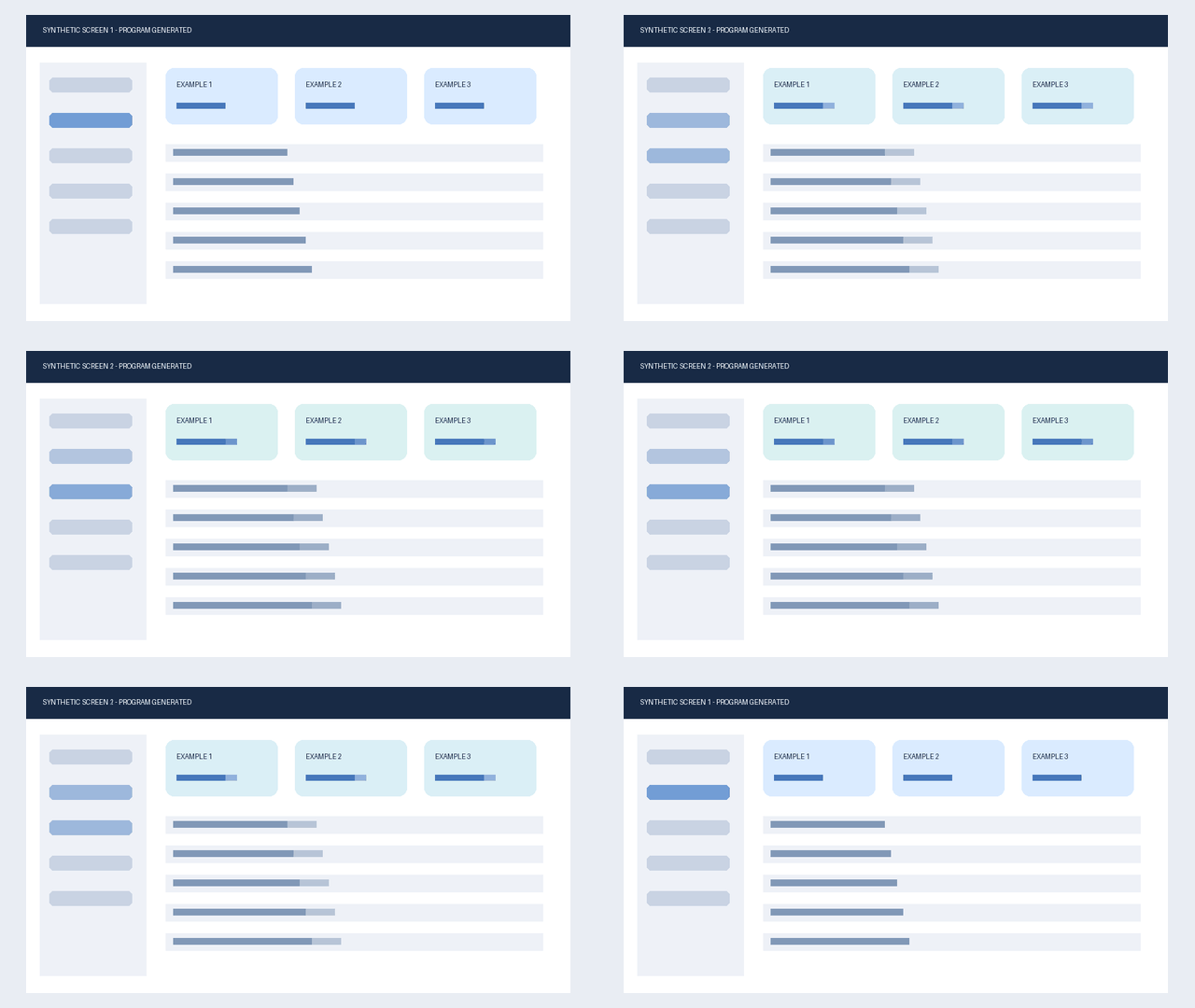
Select up to three PNGs and make a simple GIF using local browser processing. No image upload or account. This edition uses hard cuts, not the Windows trial’s fade. A GIF was generated from two synthetic screens on one PC; other browsers, real workflows and image quality remain unverified.
Try the browser edition →START WITH YOUR EXISTING ENVIRONMENT
A short path from files to a GIF
- 01
Extract the entire ZIP
Use a normal writable folder on your Windows PC. Keep the supplied folders together. Shared folders and linked paths are unsupported.
- 02
Open the launcher
Run
Open-Screen-Tool.cmd. Read the included README first. If your Python environment lacks tkinter or Pillow, this trial will not run; it does not install them for you. - 03
Choose screens, then make the GIF
Select PNG files, check their order and choose the blue make button. After completion, open the result. Identical inputs reuse the stored output.
WHAT WAS CHECKED
One bounded local trial
Two program-generated PNG files were selected in the native window on the developer’s Windows PC, in a separate folder. Generation completed; a repeat request reused the same saved job. The actual GIF was displayed in a local browser.
The idle progress bar and inactive button styling were corrected after observation.
Exactly what you receive
Ten source and instruction files. No bundled Python, Pillow, model, font, credentials or customer data. The archive checksum is listed in the file and privacy notes.